photopico Best Free RAW Photo Editor Online
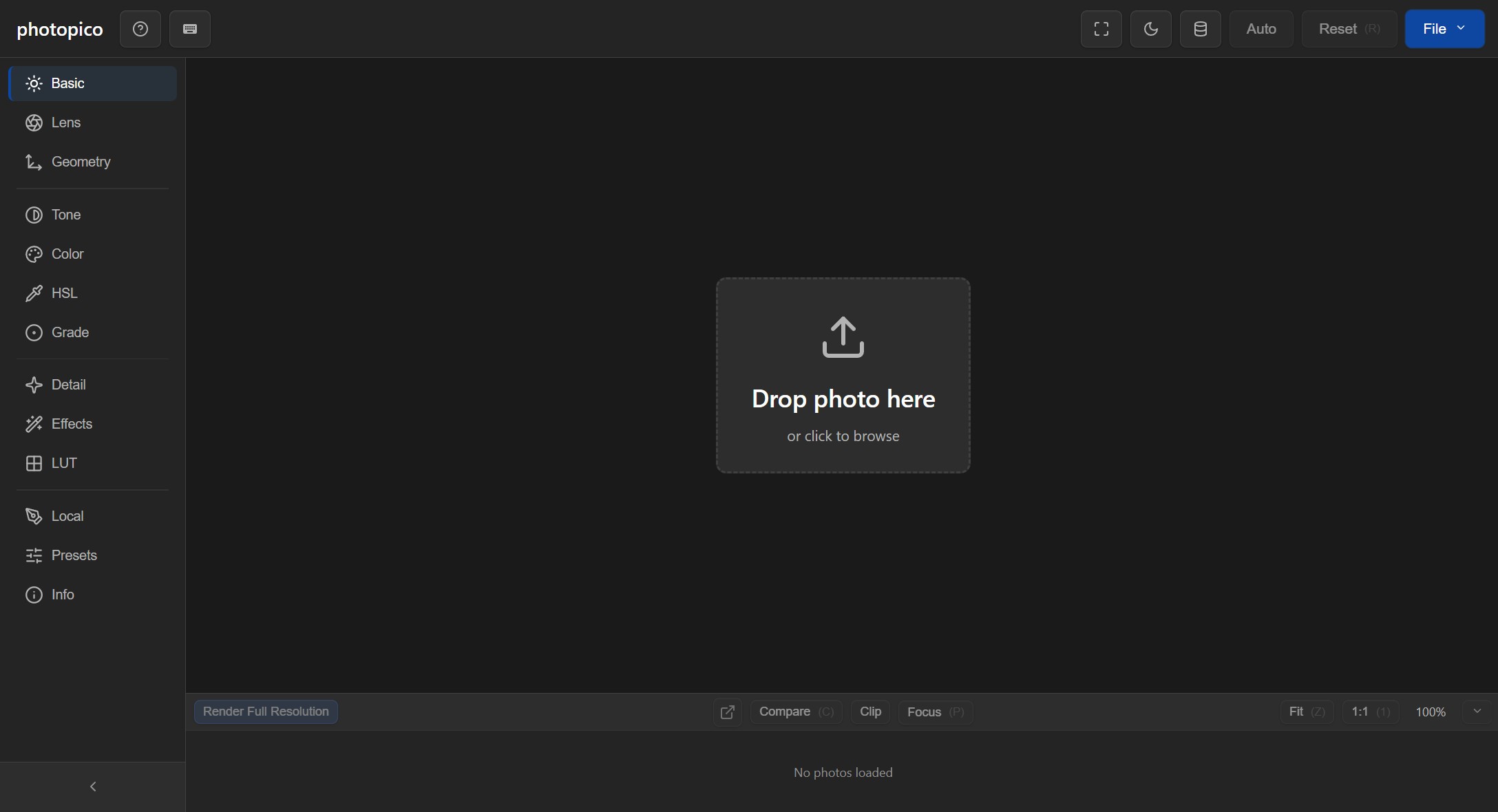
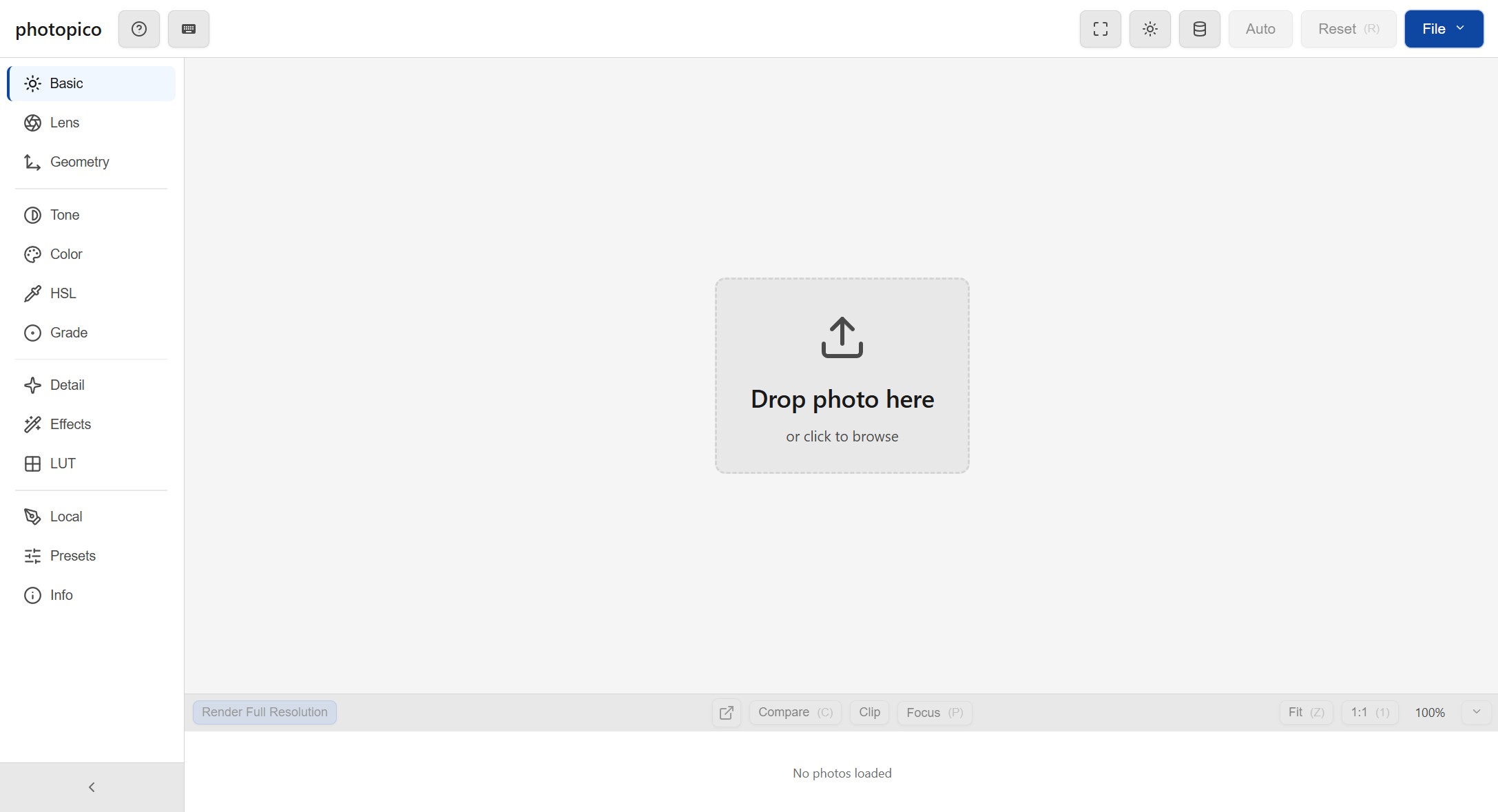
The best free photo editor for RAW images — right in your browser. Exposure, curves, color grading, HSL — all running on your GPU, entirely on your device.
Features
Privacy First
Your photos never leave your device. All processing happens locally in the browser — no servers, no tracking.
Full RAW Support
Open CR2, CR3, NEF, ARW, DNG and dozens more RAW formats directly in the browser, powered by LibRaw.
GPU-Accelerated
WebGL-powered adjustments for smooth, real-time editing. Exposure, curves, color grading — all at GPU speed.
No Install Needed
Open your browser and start editing instantly. Works on any modern device with WebGL support — nothing to download.
Supported Formats
Frequently Asked Questions
What is the best free RAW photo editor?
photopico is a free RAW photo editor that runs entirely in your browser. It supports CR2, CR3, NEF, ARW, DNG, and dozens more RAW formats with GPU-accelerated processing. No downloads, no account, and no uploads — your photos stay on your device.
Can I edit RAW photos online for free?
Yes. photopico lets you edit RAW photos online for free with professional tools like exposure, curves, color grading, HSL adjustments, and local adjustments. All processing happens in your browser using WebGL — no server uploads needed.
What RAW file formats does photopico support?
photopico supports all major RAW formats including Canon CR2 and CR3, Nikon NEF, Sony ARW, Adobe DNG, Olympus ORF, Fujifilm RAF, Panasonic RW2, Pentax PEF, and TIFF. It also supports standard image formats like JPEG, PNG, and WebP.
Is photopico safe to use? Are my photos private?
Yes. photopico processes all images entirely in your browser. Your photos are never uploaded to any server. There is no tracking, no account required, and no data collection. It is 100% client-side and privacy-first.
How does photopico compare to Lightroom or darktable?
photopico offers many of the same editing tools as Lightroom and darktable — exposure, curves, HSL, color grading, tone adjustments, sharpening, and noise reduction — but runs directly in your browser with no installation. It is free forever with no subscription required.
Ready to edit?
Jump straight in — no signup, no credit card, no strings attached.
Start Editing